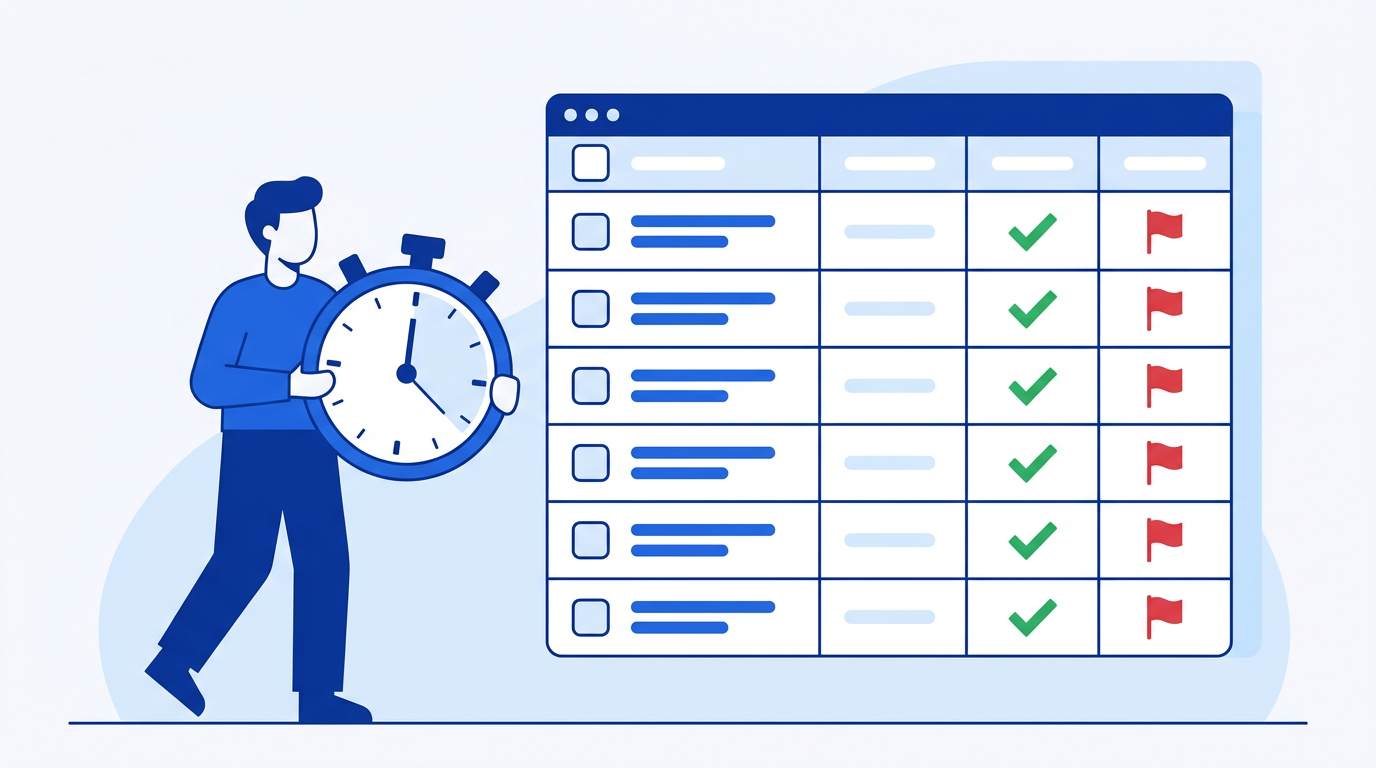
If you have service level agreements with customers, tracking whether you're meeting them is non-negotiable. A breach you don't catch is a breach you can't fix — and the next conversation you have with that customer will be harder. This guide shows you how to build an SLA compliance tracker in Google Sheets from your support ticket data.
Your Ticket Log
One row per ticket. Columns: ticket ID, customer, priority (P1, P2, P3), created date/time, first response date/time, resolved date/time, and status (Open, In Progress, Resolved).
SLA thresholds vary by priority. A common setup:
- P1: respond within 1 hour, resolve within 4 hours
- P2: respond within 4 hours, resolve within 24 hours
- P3: respond within 24 hours, resolve within 72 hours
Add a lookup table with these thresholds.
Calculating Response Time
Add a Response Time column (in hours):
=(E2-D2)*24
Where E2 is first response date/time and D2 is created date/time. Multiply by 24 to convert from days to hours.
Flagging Breaches
Look up the SLA threshold for this ticket's priority and compare:
=IF(F2>VLOOKUP(C2, SLAThresholds!A:B, 2, FALSE), "BREACH", "Met")
Where F2 is response time in hours, C2 is priority, and SLAThresholds maps priority to response time SLA. Do the same for resolution time using your resolution SLA thresholds.
Apply conditional formatting: red for BREACH, green for Met.
Compliance Rate by Priority
Use COUNTIFS to calculate SLA compliance rate per priority:
=COUNTIFS(C:C, "P1", G:G, "Met") / COUNTIFS(C:C, "P1")
Where C is priority and G is the breach/met column. Do this for P1, P2, and P3. Format as percentage. These rates are what you report to customers and leadership.
The Easy Way: Using SheetXAI in Google Sheets
Try this yourself — free for 7 days
SheetXAI installs in your Google Sheet or Excel workbook in about a minute. Paste the prompt below and watch it run.
Example 1: You have ticket data already in the spreadsheet.
"I have a ticket log on Sheet 1 with ticket ID, priority, created time, first response time, and resolution time. Build an SLA tracker with response and resolution time calculations, breach flags per priority SLA, and a compliance rate summary by priority."
SheetXAI reads your data, calculates times, flags breaches, and builds the compliance summary.
Example 2: Your tickets come from your helpdesk.
"Pull last month's tickets from Zendesk and build an SLA compliance report showing response and resolution SLA performance by priority and agent."
SheetXAI connects to Zendesk and builds the full SLA report.
Try SheetXAI free and see what it builds for you.
Published May 2026. See also: How to Build a Customer Health Dashboard in Google Sheets, How to Build a KPI Dashboard in Google Sheets, and Google Sheets AI Guide.

