How to Automate Internal Linking in Google Sheets with AI (Save 10+ Hours)
Internal linking is one of the most time-consuming SEO tasks. Adding relevant links between your blog posts manually can take 2-5 minutes per article. For a site with 500 posts, that's 20-40 hours of work.
But what if you could add internal links to 500 blog posts in just 3 minutes instead of 20 hours?
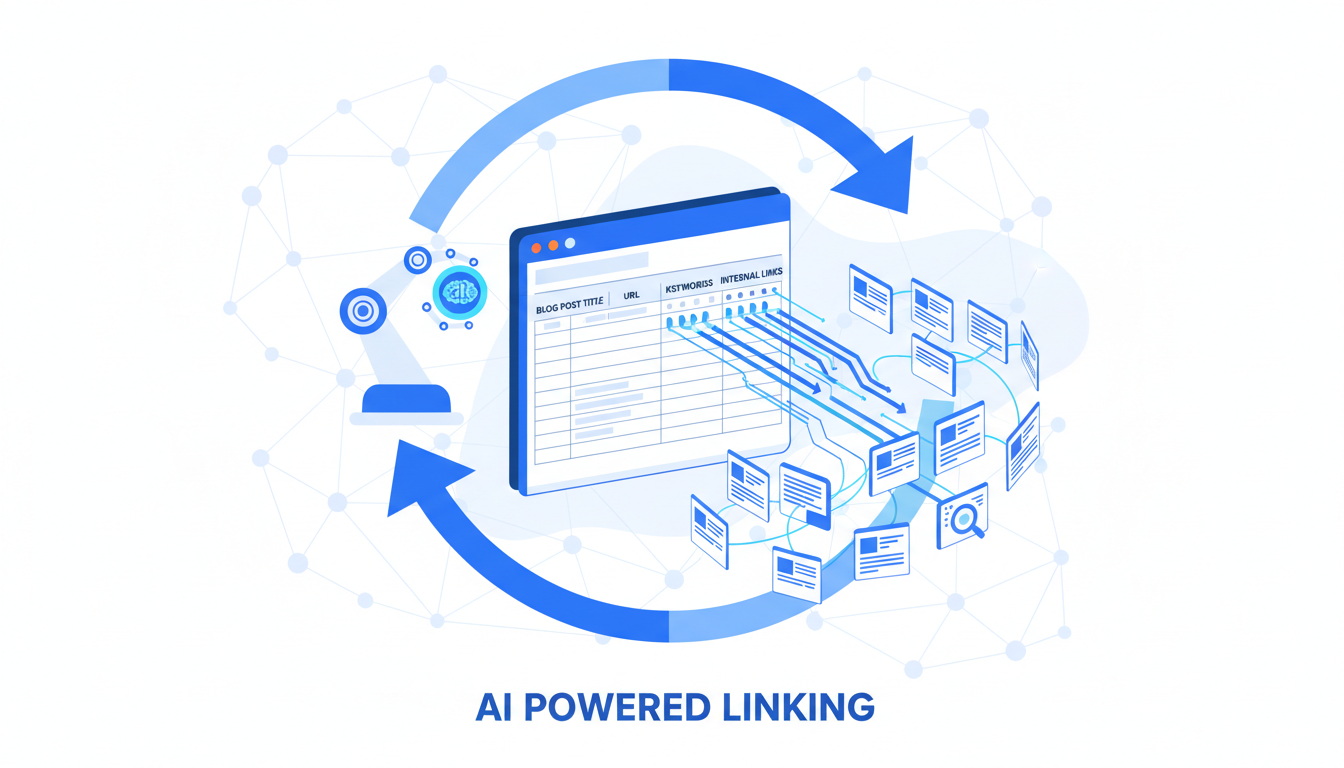
With SheetXAI's AI-powered automation, you can process hundreds or thousands of WordPress articles from your Google Sheets spreadsheet. Import your posts, let AI generate summaries and suggest relevant links, then automatically update and publish everything back to WordPress - all without leaving your spreadsheet.
Why Internal Linking Matters for SEO
Internal linking isn't just about connecting related content. It's a fundamental SEO strategy that impacts multiple ranking factors:
SEO Benefits
Improved Crawlability: Search engines discover and index your content more effectively when pages are well-connected. Internal links create pathways that help search engine bots navigate your entire site.
Page Authority Distribution: Internal links distribute link equity (PageRank) throughout your site. When high-authority pages link to newer or less-established content, they pass authority and help those pages rank better.
Increased Time on Site: Well-placed internal links keep visitors engaged longer. When readers find relevant content through internal links, they stay on your site, reducing bounce rates and signaling to search engines that your content is valuable.
Site Structure Understanding: Search engines use internal linking to understand your site's hierarchy and topic clusters. This helps them categorize your content and rank it for relevant queries.
User Experience Benefits
Beyond SEO, internal linking improves user experience:
- Keeps Readers Engaged: When visitors find related content easily, they read more articles, increasing session duration
- Reduces Bounce Rate: Internal links give visitors reasons to stay and explore
- Guides Users: Strategic internal linking helps users find the information they're looking for, improving satisfaction
The Numbers Don't Lie
Studies show that websites with strong internal linking structures:
- Rank 25% higher on average for target keywords
- Have 40% lower bounce rates
- Generate 2-3x more page views per session
The problem? Most sites don't have the time or resources to implement internal linking at scale.
The Manual Process Pain Points
Adding internal links manually is straightforward for a few posts, but it becomes a nightmare at scale:
Time-Consuming Process
For each blog post, you need to:
- Read through the entire article to understand the content
- Identify potential anchor text opportunities
- Search your site for relevant articles to link to
- Evaluate which links are most relevant
- Insert the links in appropriate locations
- Ensure you're not over-linking or under-linking
- Check that anchor text is natural and contextual
Time per post: 2-5 minutes minimum
For 500 posts: 20-40 hours of work
For 1,000 posts: 40-80 hours of work
The Challenges
Finding Relevant Articles: You need to know your content library well enough to identify which articles are related. For large sites, this is nearly impossible without a content management system.
Choosing Anchor Text: Good anchor text should be:
- Natural and contextual (not forced)
- Descriptive of the linked content
- Varied (not the same phrase repeatedly)
- Relevant to the target page
Maintaining Consistency: As you add links over time, maintaining consistent quality and density becomes difficult. Some posts end up over-linked, others under-linked.
Avoiding Over-Linking: Too many internal links can hurt SEO and user experience. Finding the right balance (typically 1 link per 100-150 words) requires careful judgment.
Cost of Manual Work: Beyond the time investment, manual internal linking has opportunity costs. That time could be spent on content creation, outreach, or other high-value SEO activities.
The Solution: Automated Internal Linking with SheetXAI
SheetXAI transforms internal linking from a manual, time-consuming task into an automated, AI-powered process that takes minutes instead of hours.
How It Works (High-Level)
The process is elegantly simple:
- Import Your WordPress Articles: Connect SheetXAI to your WordPress site and import all your blog posts into a Google Sheets spreadsheet
- AI Generates Summaries: For each article, AI creates a concise one-line summary that captures the article's focus and key topics
- AI Suggests Relevant Links: Using article content and summaries, AI identifies natural anchor text opportunities and suggests relevant internal links
- Auto-Update Posts: AI updates each article with properly formatted HTML links
- Publish Back to WordPress: All updated posts are automatically pushed back to your WordPress site
Total time: 3-4 minutes for hundreds of posts
Key Differentiators
Context-Aware Linking: Unlike tools that only use URLs, SheetXAI analyzes actual article content and summaries. This means links are suggested based on semantic relevance, not just keyword matching.
Natural Anchor Text: AI extracts anchor text directly from your existing sentences, ensuring links feel natural and contextual. No forced or awkward placements.
Quality Over Quantity: The system follows best practices, suggesting approximately 1 internal link per 100-150 words. This prevents over-linking while ensuring comprehensive coverage.
Bulk Processing: Process 10 articles or 10,000 articles - the workflow is the same. Scale doesn't slow you down.
All From Your Spreadsheet: No need to switch between WordPress, spreadsheets, and other tools. Everything happens in Google Sheets, a tool you already know and use.
Time Savings Breakdown
Manual Process:
- 500 posts × 3 minutes = 25 hours
- 1,000 posts × 3 minutes = 50 hours
With SheetXAI:
- 500 posts = 3-4 minutes
- 1,000 posts = 4-5 minutes
Time Saved: 20-50 hours per batch
Real-World Results & Benefits
Time Savings
The most obvious benefit is time. What used to take days or weeks now takes minutes:
- Small Sites (50-100 posts): 2-5 hours → 2-3 minutes
- Medium Sites (200-500 posts): 10-25 hours → 3-4 minutes
- Large Sites (1,000+ posts): 40-80 hours → 4-5 minutes
Scale Without Limits
Whether you have 10 articles or 10,000, the process is identical. There's no degradation in quality or speed as you scale up. This makes SheetXAI perfect for:
- SEO Agencies: Managing multiple client sites with hundreds of posts each
- Content Teams: Large archives that need regular internal linking updates
- Bloggers: Scaling from dozens to thousands of posts without proportional time investment
Quality & Consistency
AI-Powered Relevance: Because AI analyzes actual content (not just URLs), link suggestions are highly relevant. The system understands context and semantic relationships between articles.
Consistent Quality: Every article gets the same level of attention. There's no variation in quality between the first post and the thousandth post.
Natural Placement: Links are placed in natural locations within sentences, not forced into awkward positions. Anchor text is extracted from existing content, ensuring it reads naturally.
ROI Calculation
Cost of Manual Work:
- 500 posts × 3 minutes = 25 hours
- At $50/hour (content marketer rate) = $1,250
- At $100/hour (SEO specialist rate) = $2,500
Cost with SheetXAI:
- 3-4 minutes of your time
- SheetXAI subscription cost
ROI: Even at the lowest rates, you're saving over $1,000 per batch while getting better, more consistent results.
Use Cases
SEO Agencies: Manage internal linking for multiple client sites simultaneously. What used to be a major project becomes a quick task between other work.
Content Marketing Teams: Keep large content archives properly linked as new articles are published. No more letting internal linking fall behind.
WordPress Site Owners: Maintain SEO health for sites with hundreds or thousands of posts without dedicating weeks to manual linking.
E-commerce Sites: Link product pages, category pages, and blog content to improve SEO and guide customers through your site.
How It Works
The internal linking automation process is simple and straightforward. All you need is SheetXAI installed in Google Sheets and your WordPress integration configured.
The workflow: Import → Generate Summaries → Suggest Links → Update Articles → Publish
For detailed step-by-step instructions, including the exact prompts to use and how to set up each step, see our Complete Internal Linking Guide. The guide covers everything from WordPress setup to advanced customization options.
The best part? Everything happens in Google Sheets - no coding, no complex tools, no switching between platforms.
Who Should Use This
Automated internal linking is perfect for:
SEO Professionals: Managing internal linking for multiple client sites. Scale your services without proportional time investment.
Content Marketers: Large content archives that need regular internal linking maintenance. Keep your SEO strategy current without dedicating weeks to manual work.
WordPress Site Owners: Sites with 100+ posts that need internal linking. Maintain SEO health without hiring additional help.
Agencies: Handle internal linking for client sites efficiently. What used to be a major project becomes a quick task.
Bloggers Scaling Up: As your blog grows from dozens to hundreds or thousands of posts, automated internal linking ensures you don't fall behind on SEO fundamentals.
Anyone Spending Hours on Manual Linking: If you're manually adding internal links and it's taking significant time, automation will transform your workflow.
Getting Started
Ready to automate your internal linking? Here's how to get started:
Step 1: Install SheetXAI
- Open Google Sheets
- Go to Extensions → Add-ons → Get add-ons
- Search for "SheetXAI" and install
- Or visit the SheetXAI website for direct installation
SheetXAI works in both Google Sheets and Excel, so you can use whichever platform you prefer.
Step 2: Set Up WordPress Integration
- In SheetXAI, click the Settings button
- Navigate to the WordPress section
- Enter your WordPress details:
- Website URL: Your full WordPress site URL (e.g., https://yoursite.com)
- Username: Your WordPress username
- App Password: Your WordPress application password
How to Get Your WordPress App Password:
- In your WordPress dashboard, go to Users → Profile
- Scroll down to Application Passwords
- Enter a name like "SheetXAI Integration"
- Click Add New Application Password
- Important: Copy the password immediately - it won't be shown again
For detailed WordPress setup instructions, see our WordPress Integration Guide.
Step 3: Start Automating
- Open SheetXAI chat (Extensions → Sheets AI → Open Chat)
- Import your WordPress articles: Type "Import all my WordPress articles"
- Follow the Complete Internal Linking Guide for step-by-step instructions
The entire process takes just a few minutes, and you'll have internal links added to hundreds of posts automatically.
Conclusion
Internal linking is essential for SEO, but manual implementation doesn't scale. What takes 20-40 hours manually can be done in 3-4 minutes with SheetXAI's AI-powered automation.
The benefits are clear:
- Time Savings: 20-50 hours per batch
- Quality: Context-aware, AI-powered link suggestions
- Scale: Process 10 or 10,000 posts with the same workflow
- Consistency: Every article gets the same level of attention
- ROI: Save thousands of dollars in time costs
All from your Google Sheets spreadsheet - no coding, no complex tools, no switching between platforms.
Ready to transform your internal linking workflow? Get started with SheetXAI today and see how easy it is to automate SEO at scale.
Related Resources
- Complete Internal Linking Guide - Step-by-step tutorial with all prompts
- WordPress Integration Guide - Set up WordPress integration
- Google Sheets AI Guide - Learn more about AI automation in Google Sheets
- SEO Blogging Workflow - Complete SEO workflow from keyword research to publishing

