The Problem
You have names or text in column A with inconsistent capitalization (some are all caps, some are lowercase, some are mixed). You need to standardize the text to all uppercase, all lowercase, or proper case (first letter of each word capitalized).
The Easy Way: Use SheetXAI
If you don't want to mess with formulas, the fastest way to do this is simply by asking.
With SheetXAI, you can open the sidebar and type:
Convert the text in A2 to proper case (first letter of each word capitalized).
SheetXAI will instantly write the formula or script for you and fill the cells. It handles the syntax so you can focus on the result.
Try this yourself — free for 7 days
SheetXAI installs in your Google Sheet or Excel workbook in about a minute. Paste the prompt below and watch it run.
The Manual Way: The Formulas You Need
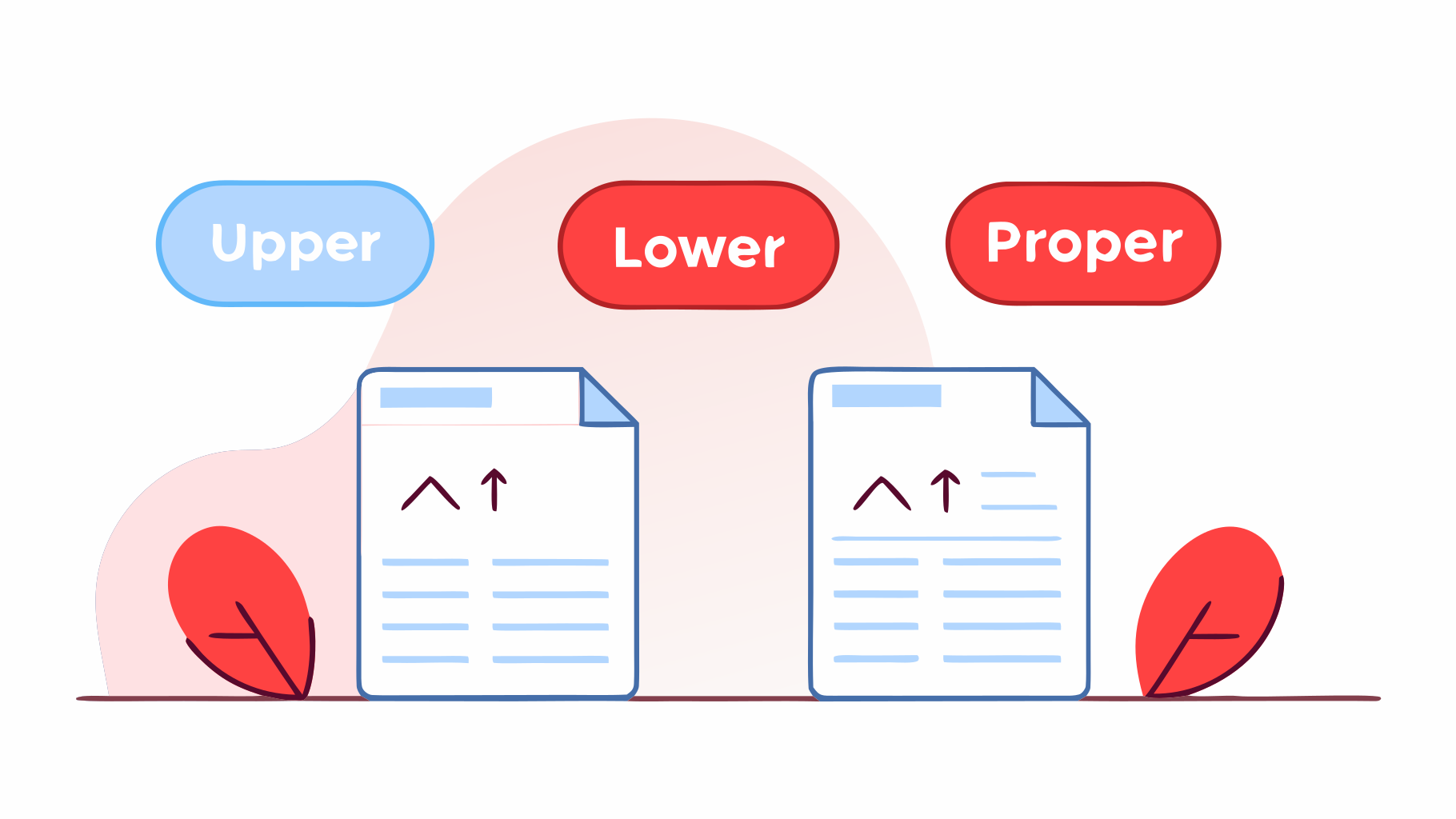
To do this manually, you need to use: UPPER, LOWER, or PROPER.
1. UPPER
Converts all letters in a text string to uppercase (capital letters). Makes all text uppercase.
Syntax: =UPPER(text)
- text: The text string you want to convert to uppercase.
Example: UPPER('hello world') returns 'HELLO WORLD'.
2. LOWER
Converts all letters in a text string to lowercase. Makes all text lowercase.
Syntax: =LOWER(text)
- text: The text string you want to convert to lowercase.
Example: LOWER('HELLO WORLD') returns 'hello world'.
3. PROPER
Converts text to proper case (title case). Capitalizes the first letter of each word and makes the rest lowercase.
Syntax: =PROPER(text)
- text: The text string you want to convert to proper case.
Example: PROPER('hello world') returns 'Hello World'.
Understanding the Logic
- UPPER: Converts all text to CAPITAL LETTERS. Use for headers, codes, or emphasis.
- LOWER: Converts all text to lowercase. Use for email addresses, usernames, or standardization.
- PROPER: Converts to Title Case (First Letter Of Each Word Capitalized). Use for names, titles, or professional formatting.
Key points:
- All three functions only affect letters (numbers and symbols stay the same)
- PROPER capitalizes the first letter of each word (even small words like 'the')
- Often used for data cleaning and standardization
- Can be combined with other text functions
Common use cases:
- UPPER: Product codes, IDs, headers
- LOWER: Email addresses, URLs, standardization
- PROPER: Names, titles, professional documents
The Final Formula:
=PROPER(A2)
Conclusion
Now you know the "classic" way to solve this using formulas. It's a great skill to have.
But for those times when you just want the job done without the mental math, SheetXAI is there to help.
Related Guides
- TRIM in Excel - Remove extra spaces
- CONCATENATE in Excel - Combine text strings
- SUBSTITUTE and REPLACE in Excel - Find and replace text
- Excel AI Guide - Learn how AI can automate your Excel workflows
- AI Spreadsheet Tools - Discover how AI transforms spreadsheet work

